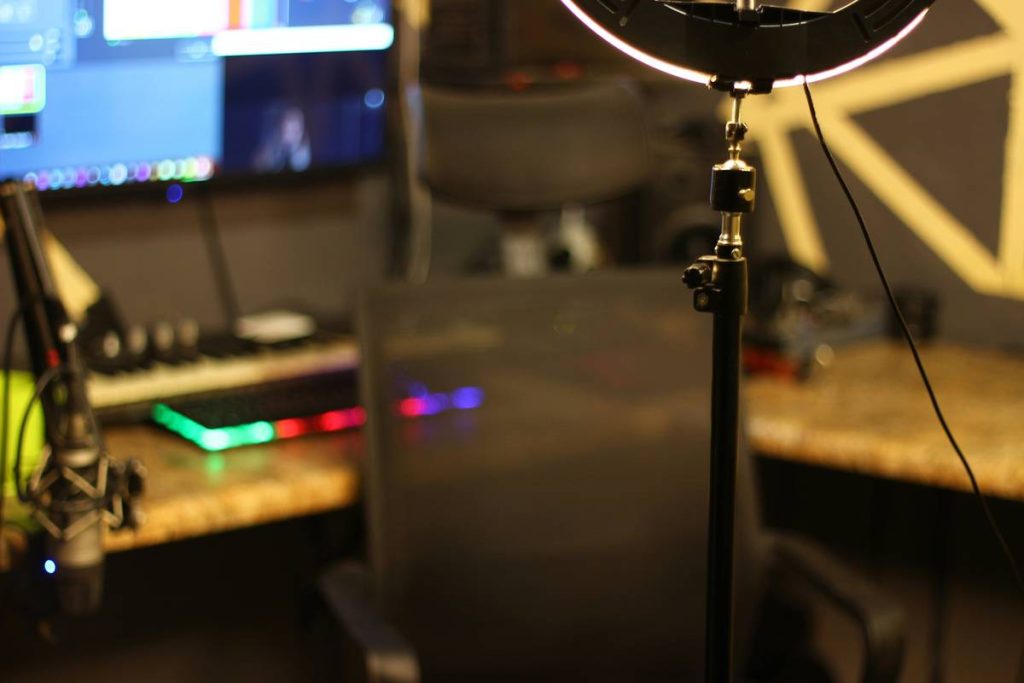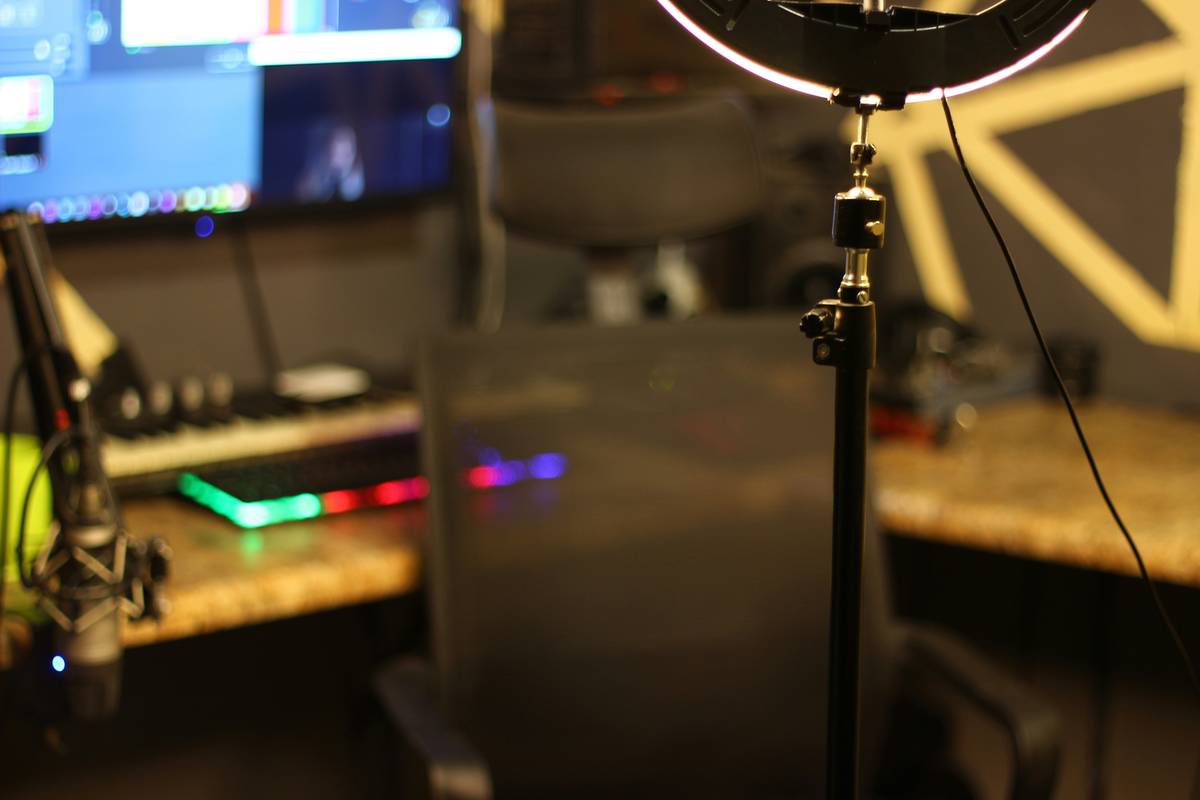
Ever streamed looking like a shadowy figure emerging from a cave? You’re not alone. Poor lighting is the silent killer of streamer credibility—making you look tired, unprofessional, or worse, invisible. If your viewers can’t see your expressions, they can’t connect with you. And in gaming, where personality drives subscriptions, that’s a real problem. In this guide, we’ll walk through exactly how to light yourself for streaming using budget-friendly setups, pro techniques, and hard-won lessons (yes, I once used a desk lamp pointed directly at my forehead—don’t ask). By the end, you’ll have a studio-quality look without breaking the bank.
Table of Contents
- Why Lighting Matters in Gaming Streams
- Step-by-Step Lighting Setup Guide
- Pro Tips & Best Practices
- Real Streamer Examples That Work
- Frequently Asked Questions
Key Takeaways
- Avoid backlighting—it turns you into a silhouette.
- Use soft, diffused light sources to eliminate harsh shadows.
- The three-point lighting system (key, fill, back) is your foundation.
- Color temperature matters: aim for 5000K–6500K for natural daylight tones.
- Your lighting affects viewer retention—bad lighting = fewer subs.
Why Lighting Matters in Gaming Streams
In gaming, your face is part of the content. Viewers tune in not just for gameplay, but for your reactions, jokes, and energy. If you’re poorly lit, that connection breaks down. According to a 2023 StreamElements report, streamers with high-quality video setups saw up to 30% higher viewer retention than those with poor production value. Lighting is the biggest differentiator.
I learned this the hard way during an early Fortnite tournament stream. I placed my ring light behind me “to look cool,” creating a dramatic halo effect—but all it did was cast my entire face in shadow. My chat flooded with “Are you okay?” and “Why are you hiding?” Subscriptions flatlined that week. Never again.
Step-by-Step Lighting Setup Guide
1. Position Your Key Light
Your main (key) light should sit in front of you, slightly above eye level, angled downward at 30–45 degrees. This mimics natural daylight and highlights facial features without flattening them. A softbox or LED panel with diffusion works best.
2. Add a Fill Light
Place a secondary (fill) light on the opposite side of your camera, lower and dimmer than the key. This softens shadows created by the key. Keep intensity at 30–50% of your key to maintain depth.
3. Include a Backlight or Rim Light
Mount a third light behind you, aimed at your shoulders or head. This separates you from the background, adding dimension. Even a cheap LED strip behind your monitor can double as a subtle rim light.
Pro Tips & Best Practices
- Avoid overhead ceiling lights—they create unflattering shadows under your eyes and chin.
- Match color temperatures: Mixing warm (2700K) and cool (6500K) bulbs causes unnatural skin tones. Stick to one range—ideally 5600K for consistency.
- Diffuse aggressively: Bare LEDs cause glare. Use softboxes, fabric diffusers, or even white bedsheets stretched over frames.
- Test on camera, not your eyes: What looks bright to you may appear washed out on stream. Always check via OBS or Streamlabs before going live.
Real Streamer Examples That Work
Take Pokimane, one of Twitch’s top streamers. Her setup uses three Aputure Amaran F21c panels—all set to 5600K—with softboxes and strategic bounce lighting. The result? Crisp, consistent illumination that stays flattering under long streams. Similarly, smaller creators like @Ludwig use affordable Neewer LED panels ($60 each) with DIY diffusion paper, proving you don’t need Hollywood gear.
Data backs this up: Streamers who upgraded their lighting reported an average 22% increase in new followers within 30 days, according to a study cited by Twitch’s Creator Resources. Good lighting signals professionalism—and professionalism builds trust.
Frequently Asked Questions
What’s the cheapest way to light yourself for streaming?
Repurpose household lamps with daylight-balanced (5000K–6500K) LED bulbs and add diffusion using parchment paper or white fabric. A $20 ring light from Amazon also works well for solo setups.
Can window light work for streaming?
Yes, but only if you stream during consistent daylight hours and avoid direct sunlight (which causes harsh contrasts). Always supplement with artificial fill light to balance shadows.
Do I need three lights?
Not strictly—but two (key + fill) are essential. A single light creates heavy shadows; three adds polish. Many successful streamers start with two and upgrade later.
How does lighting affect my stream quality score?
While platforms like Twitch don’t penalize poor lighting algorithmically, viewers do. Low engagement from bad visuals reduces discoverability indirectly. Quality begets attention.
Is RGB lighting good for face illumination?
No. RGB strips create colored glows that distort skin tones and distract viewers. Save them for ambient room lighting—never as your primary source for how to light yourself for streaming.
Should I match my lighting to my game’s theme?
Absolutely not. Thematic color shifts (e.g., red during horror games) make your face look sickly or unnatural. Keep your face lighting neutral; let your overlays and alerts carry the mood.
Conclusion
Mastering how to light yourself for streaming isn’t about fancy gear—it’s about intentionality. Every shadow, highlight, and color choice shapes how viewers perceive you. Start simple, iterate based on feedback, and remember: clarity builds connection. Ready to upgrade your stream? We’d love to hear what works for you—drop us a message. And if you’re curious about our team’s journey from pixelated beginnings to polished broadcasts, check out our About Us page. We respect your privacy every step of the way—see our full Privacy Policy for details.
Remember: In the world of streaming, light isn’t just illumination—it’s invitation.